React Native: The Powerhouse of Modern iOS & Android Engineering
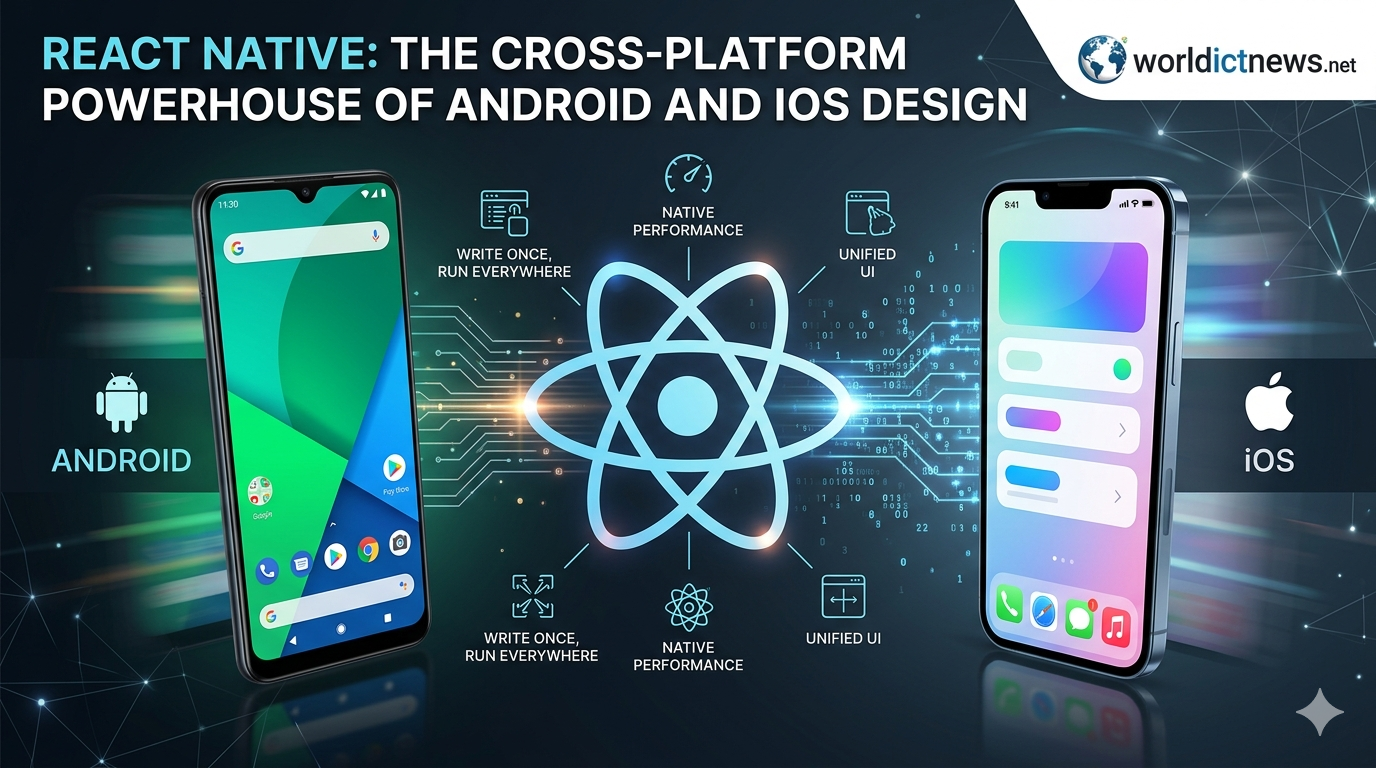
React Native: The Cross-Platform Powerhouse of Modern iOS and Android Engineering.
For years, the mobile application development sector was defined by a strict, resource-heavy division. If an enterprise wanted to build a premium mobile application, they had to fund, manage, and synchronize two completely separate engineering tracks. On one side stood native iOS development, utilizing Swift or Objective-C within Xcode; on the other stood native Android development, relying on Java or Kotlin inside Android Studio.
This duplicate workflow frequently introduced major bottlenecks: user interfaces looked inconsistent across platforms, business logic had to be written twice, and rollout schedules lagged as teams worked to iron out platform-specific bugs.
The arrival of React Native fundamentally changed this landscape.
Created by Meta (formerly Facebook), React Native has evolved into the industry’s leading cross-platform mobile framework. It allows engineers to write code once in JavaScript and React, then deploy truly native applications simultaneously to iOS and Android. This article provides an in-depth look at React Native's core architecture, examines its UI design system, and explains why it remains an essential tool for enterprise-grade mobile engineering.
The Evolution of Cross-Platform Architecture
To understand why React Native is a powerhouse, it is important to distinguish it from the older, web-based hybrid frameworks that preceded it, such as Cordova or PhoneGap.
HYBRID WEB APPROACH (Legacy)
[JavaScript App] ──► [WebView Container (Browser)] ──► [DOM Elements]
(Result: Sluggish performance, clunky web-like feel)
REACT NATIVE DIRECT INTERACTION ARCHITECTURE (Modern)
[React / JS Code] ──► [High-Speed Architecture Bridge] ──► [Real iOS/Android UI Components]
(Result: Native speed, authentic operating system responsiveness)
1. The Trap of Legacy Hybrid WebViews
Early hybrid frameworks simply wrapped standard HTML5, CSS, and JavaScript inside an isolated mobile browser instance called a WebView. The application wasn't actually native; it was a website masquerading as an app. This approach consistently struggled with sluggish animations, high memory consumption, and a user experience that felt noticeably out of place on mobile devices.
2. Truly Native Rendering
React Native approaches the problem differently. It does not render HTML elements. Instead, it invokes the actual, native UI building blocks of the host operating system.
When you create a component using React Native’s <View> or <Text> tags, the framework instructs the underlying mobile OS to generate a genuine iOS UIView or an Android android.view.View. This ensures that your application looks, feels, and performs exactly like a software asset built using native platform code.
The Core Tech: The JavaScript Bridge vs. JSI
The magic of React Native relies on how it connects the JavaScript engine with the native operating system layers.
┌───┐
│ THE NEW ARCHITECTURE GRID │
├──┬─┤
│ LEGACY BRIDGE SYSTEM │ NEW JSI ARCHITECTURE │
├─┼──┤
│ • Asynchronous JSON │ • Direct C++ Invocation │
│ • Serialization Overhead │ • Zero Bridge Bottlenecks │
│ • Periodic Frame Drops │ • Synchronous UI Execution │
└─┴──┘
1. The Legacy Bridge Model
Historically, React Native used an asynchronous "Bridge" system. The JavaScript code ran in its own background engine (JavaScriptCore), and whenever it needed to update the UI or access a phone sensor, it bundled those instructions into a JSON message. This message was serialized, sent across the bridge, deserialized by the native side, and then executed. While effective, heavy data traffic—such as rapid scrolling through thousands of media feeds—could bottleneck the bridge, causing occasional frame drops.
2. The New Architecture and JSI (JavaScript Interface)
React Native has transitioned to a new underlying core engine driven by the JavaScript Interface (JSI). JSI removes the asynchronous JSON bridge entirely.
Written in highly optimized C++, JSI allows the JavaScript engine to hold a direct, synchronous reference to native host objects. JavaScript can now invoke native methods instantly, much like a standard function call. This architecture upgrade gives React Native apps the raw processing speeds required to handle complex fluid animations, heavy gesture tracking, and real-time data streaming without lagging.
Designing Premium Interfaces with React Native
A key reason React Native is a design powerhouse is its ability to balance cross-platform efficiency with platform-specific design systems.
┌──┐
│ THE FLEXIBLE DESIGN STACK │
└─┬──┘
│
┌──┴──┐
▼ ▼
┌───┐ ┌────┐
│ UNIFIED FLEXBOX LAYOUT │ │ PLATFORM SPECIFIC CODES │
├──┤ ├───┤
│ • Cross-platform flex │ │ • Platform.OS selection │
│ • Pixel-independent dips │ │ • Native design patterns │
└──┘ └──┘
1. Unified Flexbox Layout Engine
React Native adopts the web’s Flexbox layout paradigm for layout design, adapting it into a highly predictable, pixel-independent positioning engine.
By utilizing density-independent pixels (dips), layouts scale automatically across thousands of different screen dimensions, pixel densities, and aspect ratios—from small iPhone SE screens to expansive flagship Android tablets.
2. Platform-Specific Design Customization
While sharing a single codebase is efficient, forcing an identical UI on iOS and Android can frustrate users. iOS users expect clean, minimalist lines and subtle swipe-to-back animations (Human Interface Guidelines), while Android users look for the tactile depth, floating buttons, and ripple effects of Material Design.
React Native solves this design challenge through the Platform module and platform-specific file extensions:
javascript
import { Platform, StyleSheet } from 'react-native';
const styles = StyleSheet.create({
container: {
flex: 1,
...Platform.select({
ios: {
backgroundColor: '#F3F3F3',
shadowColor: '#000',
shadowOpacity: 0.1,
},
android: {
backgroundColor: '#FFFFFF',
elevation: 4, // Uses Android's native elevation shadow engine
},
}),
},
});
Use code with caution.
By leveraging Platform.select or splitting components into Button.ios.js and Button.android.js, developers can share up to 90% of their core application logic while still tailoring the visual interface to match the expectations of each platform.
The Enterprise Value Proposition
Beyond its technical architecture, React Native delivers clear business advantages that have led companies like Airbnb, Uber, Shopify, and Coinbase to adopt it for their primary mobile products.
Hot Reloading / Fast Refresh: In native development, modifying a single text color forces engineers to recompile the entire project, which stalls momentum. React Native's Fast Refresh lets developers save a file and see the visual updates appear on a test device in under a second, preserving the application's current state and accelerating the design loop.
Drastically Reduced Time-to-Market: Because a single product team can build for both iOS and Android simultaneously, feature development pipelines are cut in half. Marketing launches, feature updates, and emergency patches can be deployed at the exact same moment on both app stores.
Code Push Integration: Using Microsoft's CodePush technology, React Native applications can deploy minor JavaScript and asset updates directly to users over-the-air (OTA), bypassing the standard multi-day app store review queues.
Conclusion: The Ultimate Mobile Strategy
React Native has successfully bridged the gap between development speed and native execution quality. By pairing the flexibility of React with the raw performance of JSI and native OS rendering, it provides engineers with a highly scalable framework for building modern mobile applications. For companies looking to build a high-performance, beautiful app without funding two separate engineering tracks, React Native remains a definitive powerhouse in mobile design.
Did you find this ICT insight helpful?