Introduction to JavaScript
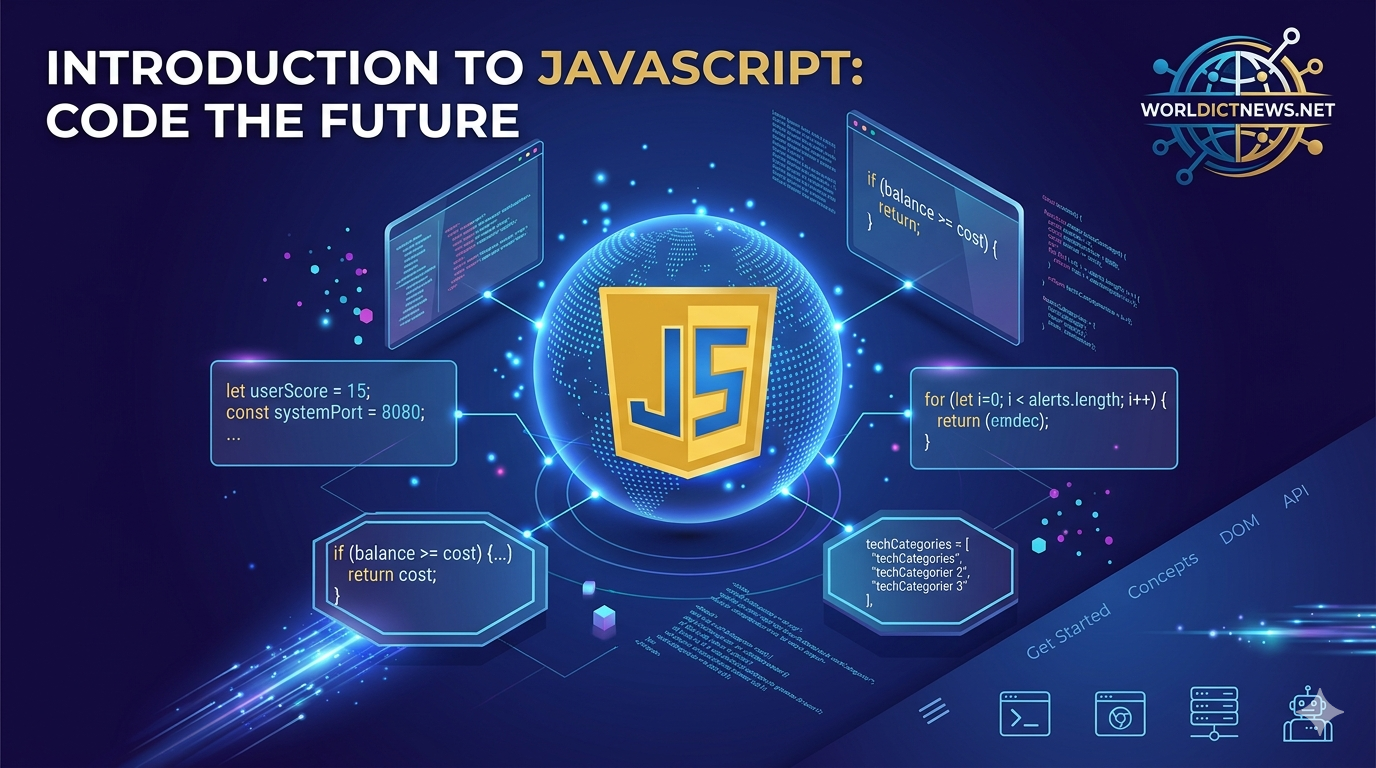
Introduction to JavaScript: A Comprehensive Guide for Beginners.
In the modern ecosystem of software development, JavaScript stands as one of the most vital technologies. Alongside HTML and CSS, it forms the core triad of World Wide Web development. While HTML provides the structural framework of a webpage and CSS handles the visual styling, JavaScript injects interactivity, logic, and dynamic behavior.
Every time a webpage updates content without reloading, displays an interactive map, animates complex graphics, or processes a form validation instantly, JavaScript is executing behind the scenes. This hands-on guide serves as a practical introduction to JavaScript, taking you from basic syntax rules to functional program logic with clear code examples.
1. Setting Up Your JavaScript Environment
One of the main advantages of learning JavaScript is that you do not need to install complex compilers or specialized development environments to run your code. Every modern web browser (such as Google Chrome, Mozilla Firefox, or Microsoft Edge) features an integrated JavaScript execution engine.
Using the Browser Console
To open your browser's developer tools and execute JavaScript immediately:
Right-click anywhere on an open webpage and select Inspect.
Click on the Console tab in the developer panel.
Type the following code string and press
Enter:
javascript
console.log("Hello, World!");
Use code with caution.
The console.log() function is a built-in mechanism used to print text outputs directly to the developer console. It is an invaluable utility for debugging code.
Linking JavaScript to an HTML Document
For actual project development, JavaScript code is written in dedicated files with a .js extension and linked to an HTML file using the <script> tag.
File: index.html
html
<!DOCTYPE html>
<html lang="en">
<head>
<meta charset="UTF-8">
<title>JavaScript Introduction</title>
</head>
<body>
<h1>Open your browser console to see the output.</h1>
<!-- Linking external script file -->
<script src="app.js"></script>
</body>
</html>
Use code with caution.
File: app.js
javascript
console.log("The external JavaScript file has loaded successfully.");
Use code with caution.
2. Variables and Data Types
Programs rely on variables to temporarily store, manage, and retrieve data during runtime execution. In JavaScript, variables are declared using three primary keywords: let, const, and var.
let: Used to declare variables whose values are expected to change over time.const: Short for "constant." Used to declare variables that cannot be reassigned or altered after initialization.var: An older keyword from legacy JavaScript versions. It is generally avoided in modern programming due to its loose scoping rules.
Variables Code Example
javascript
// Declaring a reassignable variable
let userScore = 10;
userScore = 15; // Valid reassignment
// Declaring an unchangeable constant
const systemPort = 8080;
// systemPort = 9090; // Throws a TypeError error
console.log("Score:", userScore);
console.log("Port:", systemPort);
Use code with caution.
Core Data Types
JavaScript variables automatically adapt to hold different data classifications. The most common primitive data types include:
javascript
let websiteName = "World ICT News"; // String (Text data)
let articleCount = 25; // Number (Integers or decimals)
let isApproved = true; // Boolean (True or False logic)
let rawData = null; // Null (Intentionally empty value)
let container; // Undefined (Variable with no value set yet)
Use code with caution.
3. Basic Operators and Arithmetic
Operators are symbols used to perform calculations, evaluate comparisons, and manipulate data fields.
Arithmetic Operators
JavaScript supports standard mathematical symbols:
+(Addition)-(Subtraction)*(Multiplication)/(Division)
javascript
let basePrice = 100;
let taxRate = 0.05;
let totalTax = basePrice * taxRate;
let finalPrice = basePrice + totalTax;
console.log("Total Tax Amount:", totalTax); // Output: 5
console.log("Final Purchase Price:", finalPrice); // Output: 105
Use code with caution.
String Concatenation
The addition operator + can also join text strings together.
javascript
let greeting = "Welcome to ";
let channel = "World ICT News";
let fullMessage = greeting + channel;
console.log(fullMessage); // Output: Welcome to World ICT News
Use code with caution.
4. Conditional Logic: Control Flow
Programs need to make decisions based on specific conditions. This flow is managed using conditional statements: if, else if, and else.
Comparison Operators
To evaluate conditions, JavaScript uses comparison symbols:
===(Strict equality: values and types must match exactly)!==(Strict inequality)>(Greater than)<(Less than)
javascript
let accountBalance = 250;
let productCost = 300;
if (accountBalance >= productCost) {
console.log("Transaction Approved. Enjoy your purchase!");
} else if (accountBalance > 0 && accountBalance < productCost) {
console.log("Transaction Declined. Insufficient funds in account.");
} else {
console.log("Account frozen or unavailable.");
}
Use code with caution.
5. Functions: Reusable Blocks of Code
A function is a self-contained block of code designed to perform a specific, repetitive task. Functions accept data inputs (called parameters), perform calculation operations inside their boundaries, and output a final result using the return statement.
javascript
// Defining a function to calculate server uptime percentage
function calculateUptime(totalHours, downtimeHours) {
let operationalHours = totalHours - downtimeHours;
let uptimePercentage = (operationalHours / totalHours) * 100;
return uptimePercentage;
}
// Invoking (calling) the function with arguments
let weeklyUptime = calculateUptime(168, 2);
console.log("Weekly Server Uptime Profile:", weeklyUptime + "%");
// Output: Weekly Server Uptime Profile: 98.80952380952381%
Use code with caution.
6. Working with Collections: Arrays
An Array is a structured list used to store multiple data items inside a single variable reference. Arrays use a zero-based index system, meaning the very first item in the collection sits at position 0.
javascript
// Creating an array of programming categories
let techCategories = ["Cybersecurity", "Cloud Computing", "DevOps", "AI"];
// Accessing individual items via index positions
console.log("First Category:", techCategories[0]); // Output: Cybersecurity
console.log("Third Category:", techCategories[2]); // Output: DevOps
// Checking total array length dynamically
console.log("Total Menu Elements:", techCategories.length); // Output: 4
// Adding a new element to the end of the array
techCategories.push("Data Science");
console.log("Updated Categories List:", techCategories);
Use code with caution.
7. Loops: Automating Repetitive Tasks
Loops allow you to run the same block of code multiple times without rewriting it. The for loop is commonly used to step through arrays sequentially.
javascript
let alerts = ["Critical Error", "Warning Log", "System Update Success"];
// Looping through each alert item sequentially
for (let i = 0; i < alerts.length; i++) {
console.log("Processing Alert Log #" + (i + 1) + ": " + alerts[i]);
}
/*
Console Output:
Processing Alert Log #1: Critical Error
Processing Alert Log #2: Warning Log
Processing Alert Log #3: System Update Success
*/
Use code with caution.
Conclusion
JavaScript is a versatile language that brings life to web applications. By mastering these foundational concepts—variables, data types, arithmetic operators, conditional statements, functions, arrays, and loops—you have established the basic programming skills required to build client-side web interactions. From here, you can progress to working with DOM manipulation (updating HTML elements live) and asynchronous data streams (fetching data from APIs).
Frequently Asked Questions (FAQ)
1. What is the difference between let and const in JavaScript?
let allows you to reassign the value of a variable later in your code programmatically. const creates an immutable binding; once a value is assigned to a const variable, trying to overwrite it will trigger an error.
2. Why does JavaScript use === instead of == for comparisons?
The triple equals operator === performs a strict evaluation, meaning it checks both the value and the underlying data type. The double equals == operator uses a process called type coercion, attempting to convert data types automatically before comparing, which can introduce subtle logical bugs.
3. Can JavaScript run outside of a web browser?
Yes. While JavaScript was originally built exclusively for browsers, environments like Node.js allow developers to execute JavaScript directly on server systems, databases, and backend computing infrastructure.
4. What does undefined mean in a console alert?
An undefined status indicates that a variable name has been officially created or declared within the codebase, but no initial value has been assigned to it yet.
5. What are array index positions zero-indexed?
In computer programming arrays, numbering begins at 0 instead of 1. The index number represents the offset or distance from the start of the memory array. The first item has an offset distance of zero.
Did you find this ICT insight helpful?