Cloud Security Best Practices for Digital Infrastructure
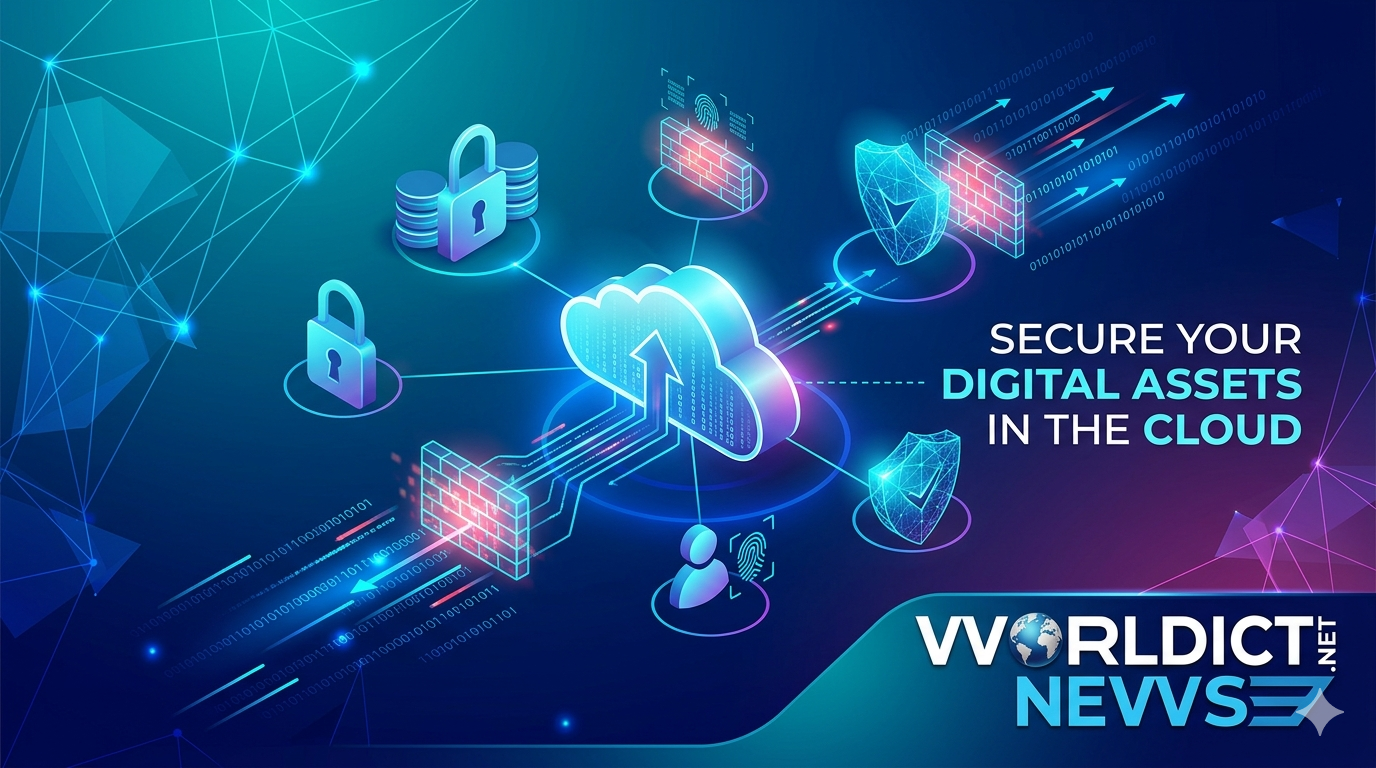
Cloud Security Best Practices: Securing Your Digital Infrastructure.
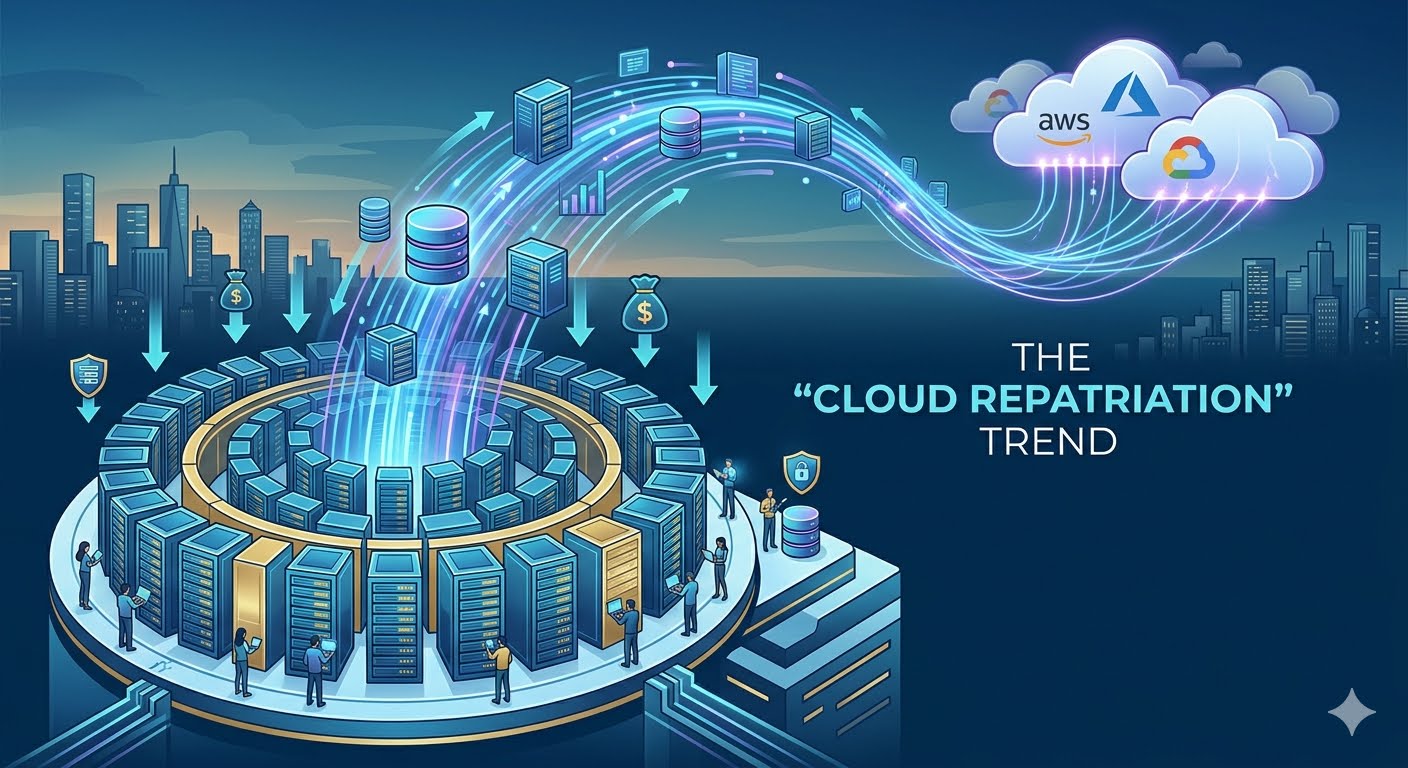
As organizations rapidly migrate their operations to platforms like Amazon Web Services (AWS), Microsoft Azure, and Google Cloud Platform (GCP), the traditional perimeter-based security model has become obsolete. Cloud computing offers unparalleled scalability, agility, and cost-efficiency, but it also introduces unique vulnerabilities. From misconfigured cloud storage buckets to compromised identity credentials, the modern threat landscape is vast and sophisticated.
Securing your digital infrastructure requires a proactive strategy that moves away from the old mindset of "building a higher firewall." Instead, modern cloud security focuses on data-centric security, zero-trust architectures, and automated governance. This comprehensive guide breaks down the foundational cloud security best practices that IT administrators, DevOps teams, and enterprise organizations must implement to safeguard sensitive assets, maintain compliance, and prevent catastrophic data breaches.
1. The Shared Responsibility Model: Who Protects What?
Before deploying a single workload, every cloud professional must understand the foundational rule of cloud computing: The Shared Responsibility Model. A common misconception among new cloud adopters is that shifting infrastructure to a provider like AWS or Microsoft means shifting 100% of the security burden. This misunderstanding is a primary cause of enterprise cloud data leaks.
Cloud security is a strict partnership between the vendor and the customer:
Security OF the Cloud (Provider Responsibility): The cloud service provider (CSP) is responsible for safeguarding the global infrastructure that runs all the services offered. This includes the physical security of data centers (concrete walls, biometric access, security guards), the underlying hardware (servers, storage arrays), and the virtualization software layer.
Security IN the Cloud (Customer Responsibility): The customer is entirely responsible for what they place inside the cloud. This includes configuring operating systems, managing network traffic controls (firewalls, security groups), setting up Identity and Access Management (IAM), protecting customer data, and ensuring applications are securely coded.
+-------------------------------------------------------------+
| CUSTOMER RESPONSIBILITY (Security IN the Cloud) |
| [ Data ] [ IAM ] [ OS Patching ] [ Network Firewalls ] |
+-------------------------------------------------------------+
| PROVIDER RESPONSIBILITY (Security OF the Cloud) |
| [ Virtualization ] [ Hardware ] [ Physical Data Centers ]|
+-------------------------------------------------------------+
If a hacker accesses an open, unencrypted Amazon S3 bucket, it is not an AWS security failure; it is a customer configuration failure. Understanding where the provider's responsibility ends and yours begins is the first step toward building a bulletproof cloud architecture.
2. Implement Strict Identity and Access Management (IAM)
In a cloud-native ecosystem, identity is the new network perimeter. In traditional on-premises networks, security relied on physical access or corporate VPNs. In the cloud, anyone with the right credentials can access critical backend resources from anywhere in the world. Consequently, robust Identity and Access Management (IAM) is your primary line of defense.
The Principle of Least Privilege (PoLP)
The most critical IAM rule is the Principle of Least Privilege (PoLP). This rule dictates that every user, service account, and software application should only have the minimum necessary permissions required to perform its specific task—and absolutely nothing more.
For example, a junior developer should not have global "Administrator" access to your entire cloud suite if their only task is deploying code to a specific testing environment. Instead, restrict their access using granular, role-based access control (RBAC).
Enforcing Multi-Factor Authentication (MFA)
Password leaks happen daily through phishing attacks, credential stuffing, and social engineering. Relying on a single password to protect a root cloud account is an invitation to disaster.
Enforcing Multi-Factor Authentication (MFA) across 100% of your user accounts is mandatory. MFA requires users to provide two or more verification factors to gain access, such as a password combined with a time-based token from an authenticator app (like Google Authenticator) or a hardware key (like a YubiKey). Enabling MFA instantly stops the vast majority of automated credential attacks.
Managing and Rotating API Keys and Credentials
Humans are not the only entities accessing your cloud infrastructure; automated scripts, CI/CD pipelines, and application microservices do too. These services rely on programmatic access keys or API tokens.
Never Hardcode Keys: Never embed secret API keys, database passwords, or private tokens directly into your software application code. If that code is pushed to a public repository like GitHub, malicious bots will scrape it within seconds.
Use Secrets Managers: Utilize native tools like AWS Secrets Manager, Azure Key Vault, or HashiCorp Vault to securely store and inject secrets at runtime.
Enforce Automated Rotation: Implement policies that automatically rotate programmatic keys every 90 days or less. This ensures that even if a key is leaked, its window of usability is extremely narrow.
3. Data Encryption: Protecting Assets at Rest and in Transit
Data is an organization's most valuable asset, making it the primary target for malicious actors. To protect data from unauthorized access or interception, it must be encrypted at every stage of its lifecycle.
Encryption at Rest
Data at rest refers to information stored statically on physical media, such as block storage volumes, relational databases, object storage buckets, or archived backups.
Server-Side Encryption (SSE): Enable server-side encryption across all cloud storage repositories by default. Major CSPs allow you to toggle this on with a single click, using advanced encryption standards like AES-256.
Key Management Services (KMS): Manage your cryptographic keys using services like AWS KMS or Azure Key Vault. These platforms provide full visibility into who accessed a key and when, and allow you to control access policies independently of the underlying data.
Encryption in Transit
Data in transit refers to information moving across a network—whether traveling between the user's browser and your cloud server, or moving internally between microservices within your private cloud network.
Enforce HTTPS/TLS: Ensure that all web-facing endpoints enforce modern Transport Layer Security (TLS 1.3 or at minimum TLS 1.2) via HTTPS. Block all unencrypted HTTP traffic (Port 80) at the load balancer or firewall level.
Internal Network Protection: Do not assume your internal cloud network is completely safe. Use Virtual Private Clouds (VPCs) and configure secure internal routing protocols to encrypt traffic passing between backend web servers and database instances.
4. Network Security and Perimeter Defense
While identity management is vital, traditional network security principles still play a critical role in preventing unauthorized entry and mitigating Distributed Denial of Service (DDoS) attacks.
Segregating Networks with VPCs and Subnets
A basic architectural error is putting all your virtual servers into one open, unmanaged network pool. Instead, structure your environment using a Virtual Private Cloud (VPC) divided into public and private subnets.
[ Internet ]
│
▼
┌──────────────┐
│ PUBLIC SUBNET (Accessible to Internet) │
│ [ Internet Gateway ] ──► [ Application Load Balancer ] │
└──────────────┘
│
▼
┌───────────────┐
│ PRIVATE SUBNET (Isolated from Internet) │
│ [ Internal Web Servers ] ──► [ Secure Database ] │
└───────────────┘
Public Subnets: Reserve these exclusively for resources that must interact directly with the open internet, such as load balancers, public content delivery networks (CDNs), or public-facing API gateways.
Private Subnets: Place all core application logic, backend processing engines, and databases here. These assets should have internal private IP addresses only, completely cut off from direct internet access.
Configuring Firewalls and Security Groups
Cloud firewalls operate at two distinct levels: the network interface level and the subnet level.
Security Groups (Stateful): Think of these as a firewall for your individual virtual servers (instances). Configure them to block all incoming traffic by default, only opening specific necessary ports (such as opening Port 443 for web traffic, while restricting database Port 5432 strictly to internal application servers).
Network Access Control Lists (NACLs - Stateless): Operating at the subnet boundary, NACLs serve as a secondary defense layer to block or allow large blocks of IP addresses before they ever hit your virtual machine instances.
Deploying Web Application Firewalls (WAF)
Standard firewalls block traffic based on IP addresses and ports, but they cannot read the intent of HTTP web traffic. A Web Application Firewall (WAF) analyzes application-layer traffic to detect and block common exploits, such as SQL Injection (SQLi), Cross-Site Scripting (XSS), and malicious bot scraping, before the requests reach your servers.
5. Continuous Monitoring, Auditing, and Automated Logging
Cloud environments are dynamic. Systems launch, scale up, change configurations, and shut down automatically. In such an elastic ecosystem, manual inspections are impossible. You must establish a continuous monitoring and logging architecture.
Implement Centralized Logging
If a security breach occurs, your security team needs a reliable, tamper-proof paper trail to figure out exactly what happened, when it happened, and what data was exposed. Turn on native cloud auditing tools immediately:
AWS CloudTrail / Azure Activity Log: These services record every single API call made within your cloud account. Whether an administrator logs in, a developer modifies a firewall rule, or an automated script deletes a database, the action is stamped with a timestamp, IP address, and identity signature.
Store Logs Securely: Route these logs to an isolated, highly secure storage bucket with write-once-read-many (WORM) policies enabled to prevent an intruder from wiping their tracks.
Automated Threat Detection and Vulnerability Scanning
Do not wait for a periodic audit to discover a configuration mistake. Use cloud-native security posture management tools to continuously analyze your infrastructure against known compliance frameworks (like ISO 27001 or CIS Benchmarks). Tools like AWS GuardDuty, Microsoft Defender for Cloud, or open-source equivalents use machine learning to flag anomalies, such as an unknown administrative login from an unusual country or an unexpected spike in outbound data transfers.
Conclusion & Actionable Cloud Security Checklist
Securing a cloud environment is not a one-time project; it is an ongoing operational commitment. By treating security as a core architectural requirement rather than an afterthought, you protect your business, secure your user data, and build an infrastructure that inspires trust.
To implement this guide effectively, review your cloud dashboard against this immediate 5-step checklist:
Turn on Multi-Factor Authentication (MFA) for every single user account, starting with the root/master account.
Audit your firewalls and security groups to ensure no database or internal web port is accidentally exposed to the public internet (
0.0.0.0/0).Enable default Server-Side Encryption (SSE) across all storage repositories and object storage buckets.
Activate comprehensive API logging (e.g., AWS CloudTrail or Azure Activity Log) and store the results securely.
Adopt the principle of least privilege, ensuring your application software accounts hold zero administrative permissions.
Frequently Asked Questions (FAQ)
1. What is the most common cause of cloud security breaches?
The vast majority of cloud security breaches are caused by human misconfiguration rather than direct vendor vulnerability. Examples include leaving cloud storage buckets open to the public internet, using weak administrative passwords without multi-factor authentication (MFA), or hardcoding programmatic API keys into public software repositories.
2. How does the Principle of Least Privilege (PoLP) protect cloud data?
The Principle of Least Privilege protects data by limiting the potential blast radius of a security breach. By giving users and automated service accounts only the exact permissions needed to execute their roles, a compromised credential cannot be weaponized to wipe out entire databases or modify global cloud network firewall configurations.
3. What is the difference between stateful security groups and stateless NACLs?
Stateful security groups operate at the individual server or virtual machine instance level, meaning any approved inbound traffic is automatically allowed to exit back out. Stateless Network Access Control Lists (NACLs) operate at the wider subnet boundary, meaning you must explicitly write separate inbound and outbound firewall rules to allow traffic to flow through.
4. Why is a standard firewall insufficient for modern web applications in the cloud?
A standard network firewall only filters traffic based on source IP addresses and network ports. It cannot inspect the payload of an incoming HTTP request. A Web Application Firewall (WAF) operates at the application layer, allowing it to inspect traffic patterns and block advanced cyberattacks like SQL Injection (SQLi) and Cross-Site Scripting (XSS).
5. Do cloud providers encrypt my data by default?
While major providers like AWS, Google Cloud, and Azure offer native encryption capabilities, default settings vary by specific service. Best practice mandates explicitly enabling Server-Side Encryption (SSE) on all storage volumes, object storage buckets, and relational database snapshots during creation, and managing the keys through a dedicated Key Management Service (KMS).
Did you find this ICT insight helpful?