Guides to JavaScript Objects with Real-World Applications
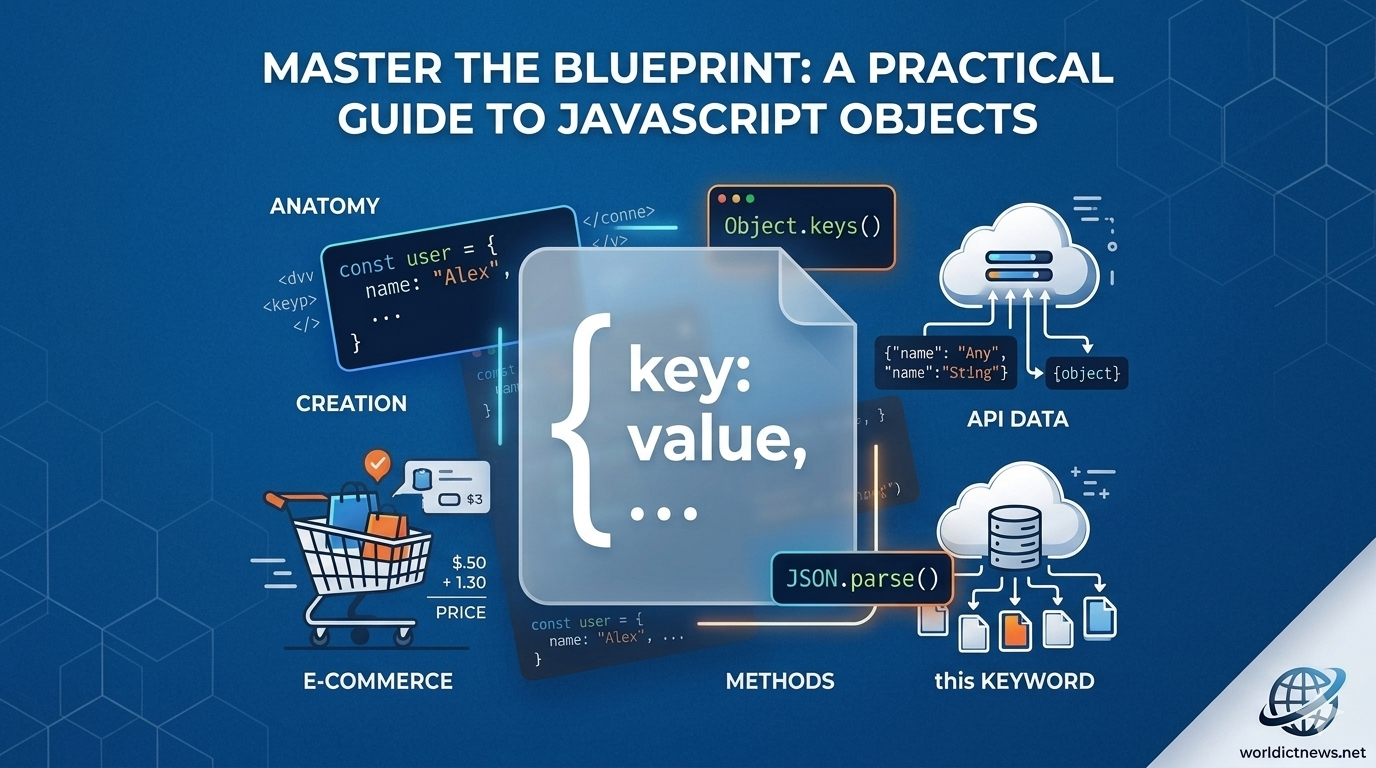
Master the Blueprint: A Practical Guide to JavaScript Objects with Real-World Applications.
In JavaScript, almost everything revolves around a single fundamental concept: Objects. Whether you are extracting structured data from a remote REST API, managing the global application state in a frontend framework like React, or manipulating elements within the Document Object Model (DOM), you are constantly interacting with objects.
Unlike primitive data types such as strings or numbers—which store single isolated values—objects act as structured collections. They allow developers to bundle related data variables (properties) and functional logic (methods) into a single, cohesive entity. Understanding objects is the definitive boundary line separating a casual scriptwriter from a proficient software engineer.
This comprehensive technical guide breaks down the core structural mechanics of JavaScript objects, explains essential data manipulation patterns, and walks through production-ready code examples mapping directly to real-world applications.
🧭 The Core Anatomy of a JavaScript Object
At its absolute simplest level, an object is an unordered collection of key-value pairs. The key (or property name) acts as a unique string identifier, pointing directly to a corresponding value, which can be any data type in the JavaScript ecosystem—including arrays, other objects, or executable functions.
┌────────┐
│ User Object │
├───────┤
│ • Key: username ──► Value: "dev_alex" │ ◄── Property (Data)
│ • Key: isActive ──► Value: true │ ◄── Property (Data)
│ │
│ • Key: login() ──► Value: function() │ ◄── Method (Behavior)
└───────┘
When a variable is attached to an object, it is called a property. When an executable function is attached to an object, it is called a method.
🛠️ Fundamental Mechanics: Creation and Data Manipulation
Before exploring complex enterprise applications, let’s look at how to declare objects and interact with their internal values.
1. Object Declaration (The Literal Syntax)
The most common and modern way to initialize an object is by using curly braces {}. This is known as the object literal syntax:
javascript
// Initializing a baseline user profile object
const userProfile = {
username: "cyber_sentinel",
accountLevel: "Administrator",
loginCount: 42,
isTwoFactorEnabled: true
};
Use code with caution.
2. Accessing Property Values
JavaScript provides two intuitive ways to read properties stored inside an object: Dot Notation and Bracket Notation.
javascript
// 1. Dot Notation (Preferred for clean, standard property names)
console.log(userProfile.username); // Output: cyber_sentinel
// 2. Bracket Notation (Mandatory when property names use spaces, special characters, or variables)
console.log (userProfile[ "accountLevel"]); // Output: Administrator
// Dynamic access example using bracket notation:
const queryKey = "loginCount";
console.log (userProfile[queryKey]); // Output: 42
Use code with caution.
3. Modifying and Appending New Data
Objects in JavaScript are dynamic and mutable by default. You can easily add completely new fields or alter existing values on the fly:
javascript
// Updating an existing property value
userProfile.loginCount = 43;
// Appending an entirely new property to the existing structure
userProfile.lastLoginIp = "192.168.1.105";
// Deleting a property permanently from the object
delete userProfile. isTwoFactorEnabled;
console.log(userProfile);
/*
Output:
{
username: "cyber_sentinel",
accountLevel: "Administrator",
loginCount: 43,
lastLoginIp: "192.168.1.105"
}
*/
Use code with caution.
🏗️ Advanced Object Patterns: Methods and the this Keyword
Objects become truly powerful when they hold functions. Methods allow objects to manage their own internal state and perform actions independently.
javascript
const e-commerceCart = {
items: ["Laptop", "Wireless Mouse"],
discountCode: "SUMMER20",
totalAmount: 1250,
// Method executing internal object data manipulation
calculateFinalPrice: function() {
// The 'this' keyword explicitly references the execution context of the parent object
if (this.discountCode === "SUMMER20") {
return this.totalAmount * 0.8; // Apply a 20% discount
}
return this.totalAmount;
}
};
console.log (e-commerceCart. calculateFinalPrice() ); // Output: 1000
Use code with caution.
⚠️ Critical Architectural Warning: Avoid using arrow functions
() => {}when writing methods inside objects. Arrow functions do not bind their ownthiscontext. Instead, they lexically inheritthisfrom the surrounding global scope, which can cause unexpectedundefinedruntime errors.
💼 Real-World Application 1: Managing an E-Commerce Shopping Cart System
Let’s apply these fundamentals to a real-world scenario. Below is a production-style implementation of a shopping cart object capable of managing complex state calculations, adding new items safely, and generating checkout line receipts.
javascript
const shoppingCartManager = {
customerName: "Elena Rostova",
cartId: "CART_99821",
itemsList: [],
taxRate: 0.08, // 8% State Tax
// Method to safely append a product line item to the internal array state
addItem: function (productName, unitPrice, quantity = 1) {
this.itemsList.push ({
name: productName,
price: unitPrice,
qty: quantity
});
console.log (`Success: Added ${quantity} x ${productName} to the cart.`);
},
// Method utilizing iteration loops to compute subtotal pricing metrics
calculateSubtotal: function() {
let subtotal = 0;
for (let i = 0; i < this .itemsList. length; i++) {
subtotal += this. itemsList[i].price * this.itemsList[i].qty;
}
return subtotal;
},
// Method utilizing subtotal metrics to compute exact tax and final pricing
generateInvoice: function() {
const rawSubtotal = this .calculateSubtotal();
const computedTax = rawSubtotal * this.taxRate;
const grandTotal = rawSubtotal + computedTax;
return {
client: this.customerName,
subtotalPrice: rawSubtotal.toFixed(2),
taxCharged: computedTax. toFixed(2),
finalCheckoutPrice: grandTotal.toFixed(2)
};
}
};
// --- Practical Execution Sequence ---
shoppingCartManager. addItem ("Pro Mechanical Keyboard", 149.99, 1);
shoppingCartManager. addItem ("4K UltraWide Monitor", 499.00, 2);
// Generate final structured invoice payload
const finalInvoice = shoppingCartManager. generateInvoice();
console.table(finalInvoice);
Use code with caution.
Output Visualization Table:
Property | Value |
|---|---|
client | Elena Rostova |
subtotalPrice | 1147.99 |
taxCharged | 91.84 |
finalCheckoutPrice | 1239.83 |
💼 Real-World Application 2: Parsing Server API JSON Payloads
When working with modern web applications, you rarely create all your own data. Instead, your frontend apps fetch text-based JSON payloads from external server databases. JavaScript objects make it incredibly simple to parse and extract this information.
Imagine your frontend application receives the following raw JSON data string from a backend user database:
javascript
const rawJsonPayloadFromServer = `{"id":1024, "meta": {"role":"editor", "department": "marketing"}, "profile" : {"fullName": "Marcus Vance", "emails": ["marcus@company.com", "marcus. personal@gmail.com"]}}`;
// Step 1: Parse the string payload into a native JavaScript Object structure
const cleanUserData = JSON.parse(rawJsonPayloadFromServer);
// Step 2: Extract nested items safely using Dot and Bracket Notation patterns
const userRole = cleanUserData. meta.role;
const primaryEmailAddress = cleanUserData. profile. emails[0];
console.log(`User: ${cleanUserData. profile.fullName} holds the role of: ${userRole}.`);
// Output: User: Marcus Vance holds the role of: editor.
Use code with caution.
📈 Functional Utilities: Iterating and Cloning Objects
As software scales, you often need to loop through object keys or make safe copies of data packages. Here are the three most reliable ways to extract object metrics dynamically:
javascript
const serverStatus = {
nodeId: "NODE_S1",
cpuLoad: "42%",
uptimeHours: 720
};
// 1. Object.keys() - Returns an array of all keys
console.log (Object.keys (serverStatus)); // Output: ['nodeId', 'cpuLoad', 'uptimeHours']
// 2. Object.values() - Returns an array of all values
console.log (Object.values (serverStatus)); // Output: ['NODE_S1', '42%', 720]
// 3. Object.entries() - Returns an array of nested key-value pairs
console.log (Object.entries (serverStatus));
// Output: [ ['nodeId', 'NODE_S1'], ['cpuLoad', '42%'], ['uptimeHours', 720] ]
Use code with caution.
Safe Data Cloning (Avoiding Reference Bugs)
In JavaScript, copying an object with a simple equals sign (const copy = original) does not create a new object. Instead, it copies the reference pointer in memory. If you change a value in the copy, the original object changes too! To avoid this common bug, make a true copy using the Spread Operator (...):
javascript
const originalConfig = { theme: "dark", notifications: true };
// Creating a safe clone copy that points to an entirely isolated memory space
const safeCloneConfig = { ...originalConfig };
// Updating the clone does not damage the original setup
safeCloneConfig.theme = "light";
console.log(originalConfig.theme); // Output: "dark" (Preserved!)
console.log(safeCloneConfig.theme); // Output: "light" (Modified!)
Use code with caution.
📊 Quick Reference Checklist: Essential Object Operations
Intent | Code Example | Output / Impact |
|---|---|---|
Instantiation |
| Creates an empty object literal container. |
Read Value |
| Accesses data using direct dot notation. |
Write/Update |
| Dynamically appends or overrides data. |
Check for Key |
| Returns |
Shallow Clone |
| Copies all fields into a safe, independent object. |
🏁 Conclusion
JavaScript objects are far more than just containers for plain text data. They are the scaffolding upon which complex modern web applications are built. By mastering how to structure properties, design self-contained methods, leverage context pointers via the this keyword, and parse external server JSON responses, you can write much cleaner, more modular code.
Whether your next project involves building complex data structures, handling global state management, or developing server-side APIs, leveraging robust object-oriented patterns will ensure your applications remain maintainable and highly scalable.
Did you find this ICT insight helpful?