Mastering JavaScript String Manipulation: A Comprehensive Guide
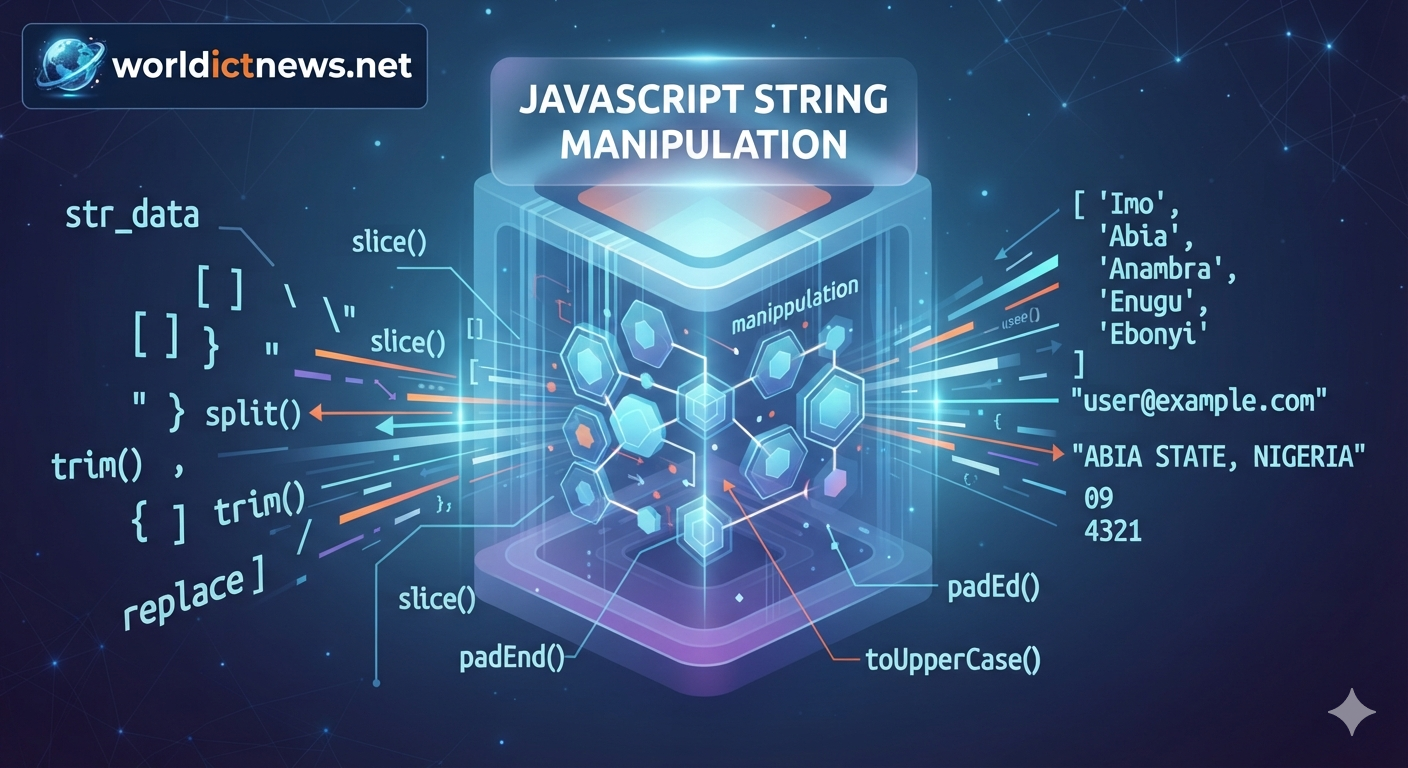
Mastering JavaScript String Manipulation: A Comprehensive Guide.
Strings are one of the most fundamental data types in JavaScript. Whether you are validating a user’s email address, formatting text for a blog layout, parsing data from a remote API, or building dynamic user interfaces, you will constantly find yourself manipulating text.
In JavaScript, strings are primitive values that represent sequences of UTF-16 code units. An essential characteristic of JavaScript strings is that they are immutable. Once a string is created, its value cannot be changed. Whenever you perform an operation that appears to modify a string, JavaScript actually creates and returns an entirely new string in memory.
This comprehensive guide covers everything you need to know about JavaScript string manipulation, from basic properties to advanced regular expression operations, complete with practical code examples.
1. Creating and Inspecting Strings
Before transforming strings, you need to understand how to declare them and inspect their basic properties.
String Literals and Template Literals
JavaScript allows you to create strings using single quotes ('), double quotes ("), or backticks (`). Backticks are used for template literals, which support string interpolation and multi-line strings.
javascript
const single = 'Hello World';
const double = "Hello World";

// Template literal with interpolation
const user = 'Chidi';
const greeting = `Hello, ${user}!
Welcome back to the dashboard.`;

console.log(greeting);
// Output:
// Hello, Chidi!
// Welcome back to the dashboard.
Use code with caution.
Checking String Length
The .length property returns the number of code units in the string.
javascript
const text = "Enugu State";
console.log(text.length); // Output: 11
Use code with caution.
2. Accessing Characters
There are two primary ways to access individual characters within a string: bracket notation and the .charAt() method.
javascript
const framework = "JavaScript";

// Bracket notation (Preferred/Modern approach)
console.log(framework[0]); // Output: J

// charAt() method
console.log(framework.charAt(4)); // Output: S

// Out-of-bounds handling
console.log(framework[20]);      // Output: undefined
console.log(framework.charAt(20)); // Output: "" (Empty string)
Use code with caution.
3. Finding and Searching Substrings
Finding whether a piece of text exists inside a larger string is a highly common task. JavaScript provides several modern and legacy methods for searching.
Modern Search Methods: includes(), startsWith(), endsWith()
These methods return booleans (true or false) and are highly readable.
javascript
const sentence = "The quick brown fox jumps over the lazy dog.";

// includes() checks for existence anywhere in the string
console.log(sentence.includes("brown")); // Output: true

// startsWith() checks the beginning
console.log(sentence.startsWith("The")); // Output: true

// endsWith() checks the end
console.log(sentence.endsWith("dog.")); // Output: true
Use code with caution.
Position-Based Search: indexOf() and lastIndexOf()
If you need the actual numeric index where a substring begins, use these methods. They return -1 if the substring is not found.
javascript
const quote = "To be, or not to be, that is the question.";

console.log(quote.indexOf("be"));     // Output: 3 (First occurrence)
console.log(quote.lastIndexOf("be")); // Output: 17 (Last occurrence)
console.log(quote.indexOf("python")); // Output: -1 (Not found)
Use code with caution.
4. Extracting Substrings
JavaScript offers three distinct methods for cutting out portions of a string: slice(), substring(), and substr().
Note: substr() is considered a legacy method and should generally be avoided in modern codebases.
The slice() Method
slice(startIndex, endIndex) extracts a section of a string and returns it as a new string. The endIndex is exclusive. slice() uniquely accepts negative indices, which count backward from the end of the string.
javascript
const phrase = "Frontend Development";

// Extract from index 0 up to (but not including) index 8
console.log(phrase.slice(0, 8)); // Output: Frontend

// Extract from index 9 to the end
console.log(phrase.slice(9));    // Output: Development

// Using negative indices (last 11 characters)
console.log(phrase.slice(-11));  // Output: Development
Use code with caution.
The substring() Method
substring(startIndex, endIndex) behaves similarly to slice(), but it treats negative numbers or NaN as 0. If startIndex is greater than endIndex, substring() will automatically swap the two arguments.
javascript
const word = "Programming";

console.log(word.substring(3, 7)); // Output: gram

// Swapped arguments example (starts at 0, ends at 3)
console.log(word.substring(3, 0)); // Output: Pro
Use code with caution.
5. Modifying Strings (Case and Trimming)
Because strings are immutable, changing their casing or removing whitespace returns a fresh copy of the string.
Changing Case
javascript
const mixedCase = "Abia State, Nigeria";

console.log(mixedCase.toUpperCase()); // Output: ABIA STATE, NIGERIA
console.log(mixedCase.toLowerCase()); // Output: abia state, nigeria
Use code with caution.
Trimming Whitespace
The trim(), trimStart(), and trimEnd() methods eliminate whitespace (spaces, tabs, and newlines) from the edges of a string.
javascript
const dirtyInput = "   user@example.com   \n";

console.log(dirtyInput.trim());      // Output: "user@example.com"
console.log(dirtyInput.trimStart()); // Output: "user@example.com   \n"
Use code with caution.
6. Replacing and Padding Strings
Replacing Content: replace() and replaceAll()
replace() substitutes the first match found, while replaceAll() replaces all occurrences of a substring.
javascript
const bio = "Lagos is a city. Lagos is crowded.";

// replace() only hits the first instance
console.log(bio.replace("Lagos", "Abuja"));
// Output: Abuja is a city. Lagos is crowded.

// replaceAll() updates all instances
console.log(bio.replaceAll("Lagos", "Abuja"));
// Output: Abuja is a city. Abuja is crowded.
Use code with caution.
Padding Strings: padStart() and padEnd()
Padding grows a string to a desired length by adding repeating characters to the beginning or the end. This is useful for formatting numbers, dates, or masked data like credit cards.
javascript
const accountLastDigits = "4321";
const maskedCard = accountLastDigits.padStart(16, "*");
console.log(maskedCard); // Output: ************4321

const hours = "9";
const formattedHours = hours.padStart(2, "0");
console.log(formattedHours); // Output: 09
Use code with caution.
7. Splitting and Joining Strings
Converting strings into arrays, or flattening arrays back into strings, is a foundational workflow when parsing data.
Splitting a String into an Array
The split(separator) method breaks a string apart wherever it encounters the specified separator pattern.
javascript
const CSVData = "Imo,Abia,Anambra,Enugu,Ebonyi";
const southeasternStates = CSVData.split(",");

console.log(southeasternStates);
// Output: [ 'Imo', 'Abia', 'Anambra', 'Enugu', 'Ebonyi' ]

// Splitting by space to get words
const sentence = "Learning JavaScript is fun";
console.log(sentence.split(" "));
// Output: [ 'Learning', 'JavaScript', 'is', 'fun' ]
Use code with caution.
Joining an Array into a String
The companion to split() is the Array method join(separator).
javascript
const words = ["Built", "with", "NodeJS"];
const combined = words.join("-");

console.log(combined); // Output: Built-with-NodeJS
Use code with caution.
8. Advanced String Operations (Regex and Performance)
When simple substring searches fall short, JavaScript’s integration of Regular Expressions (Regex) allows you to perform highly flexible evaluations.
Pattern Matching with Regular Expressions
You can pass regular expressions directly into match(), search(), replace(), and split().
javascript
const emailPattern = /[a-zA-Z0-9._%+-]+@[a-zA-Z0-9.-]+\.[a-zA-Z]{2,}/;
const sampleInput = "Contact us at support@domain.com for info.";

// Find index using a regex pattern
console.log(sampleInput.search(emailPattern)); // Output: 14

// Extract the matching text
const matchResult = sampleInput.match(emailPattern);
console.log(matchResult[0]); // Output: support@domain.com
Use code with caution.
Performance Consideration: Heavy Concatenation
Because strings are immutable, repeatedly using the + or += operators inside a large loop forces JavaScript to constantly allocate memory for new strings and clean up old ones. For performance-critical code executing thousands of string additions, pushing parts into an array and executing .join('') at the end can be significantly faster and less memory-intensive.
javascript
// Less efficient for massive iterations
let resultStr = "";
for (let i = 0; i < 10000; i++) {
    resultStr += "data";
}

// Highly efficient approach
let partsArray = [];
for (let i = 0; i < 10000; i++) {
    partsArray.push("data");
}
let optimizedResult = partsArray.join("");
Use code with caution.
Summary Cheat Sheet
Method | Returns | Description |
|---|---|---|
| Number | Returns total characters in a string. |
| Boolean | Checks if |
| Number | Index of the first occurrence of |
| String | Extracts section from index |
| Array | Splits string into an array based on the separator. |
| String | Removes whitespace from both ends. |
| String | Replaces first occurrence of |
With these core methods and strategies in your development toolkit, you can efficiently handle any textual transformations or data parsing requirements your applications throw at you.
Did you find this ICT insight helpful?